Enhancing Talent Search for
Busy Casting Directors
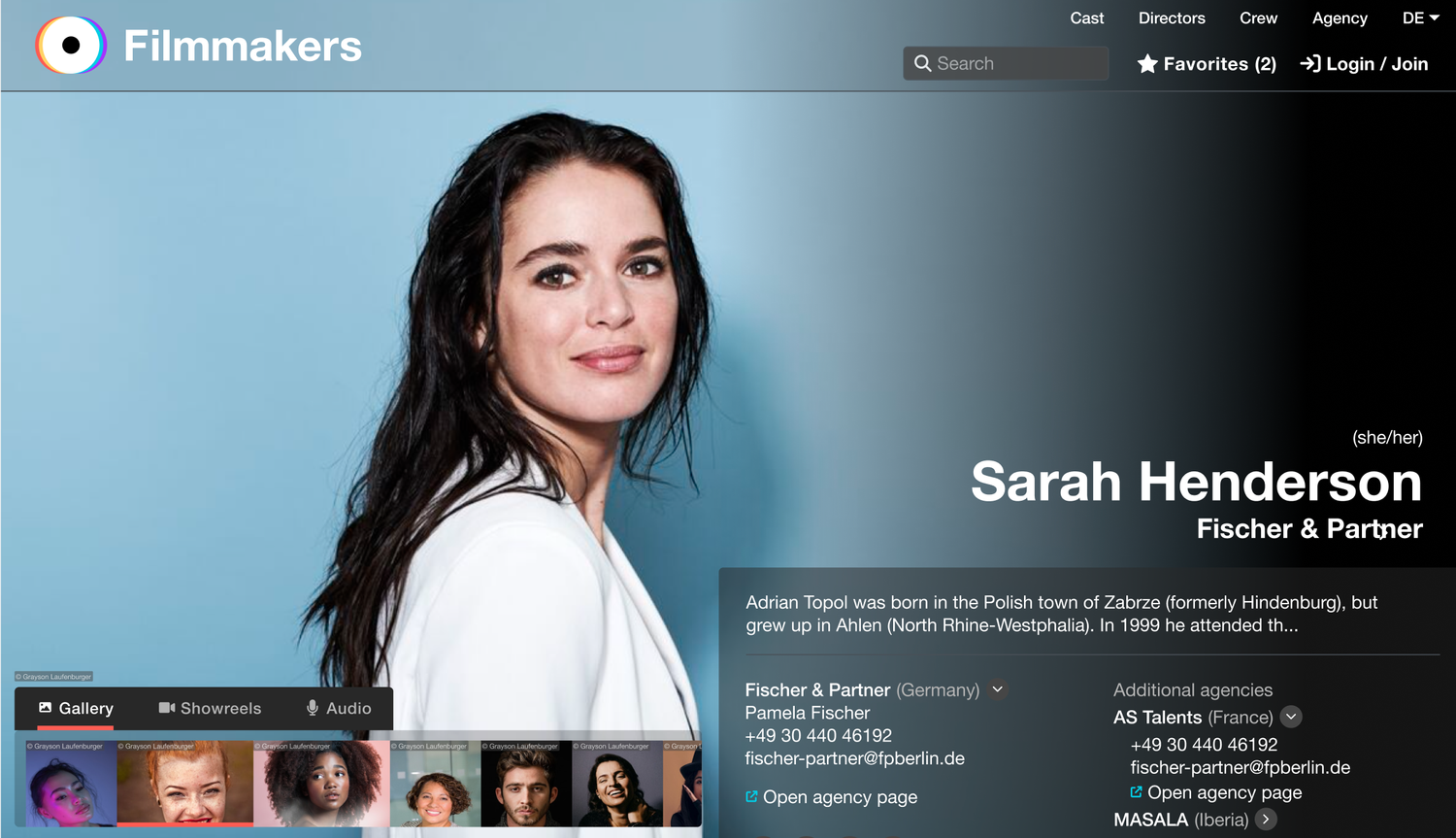
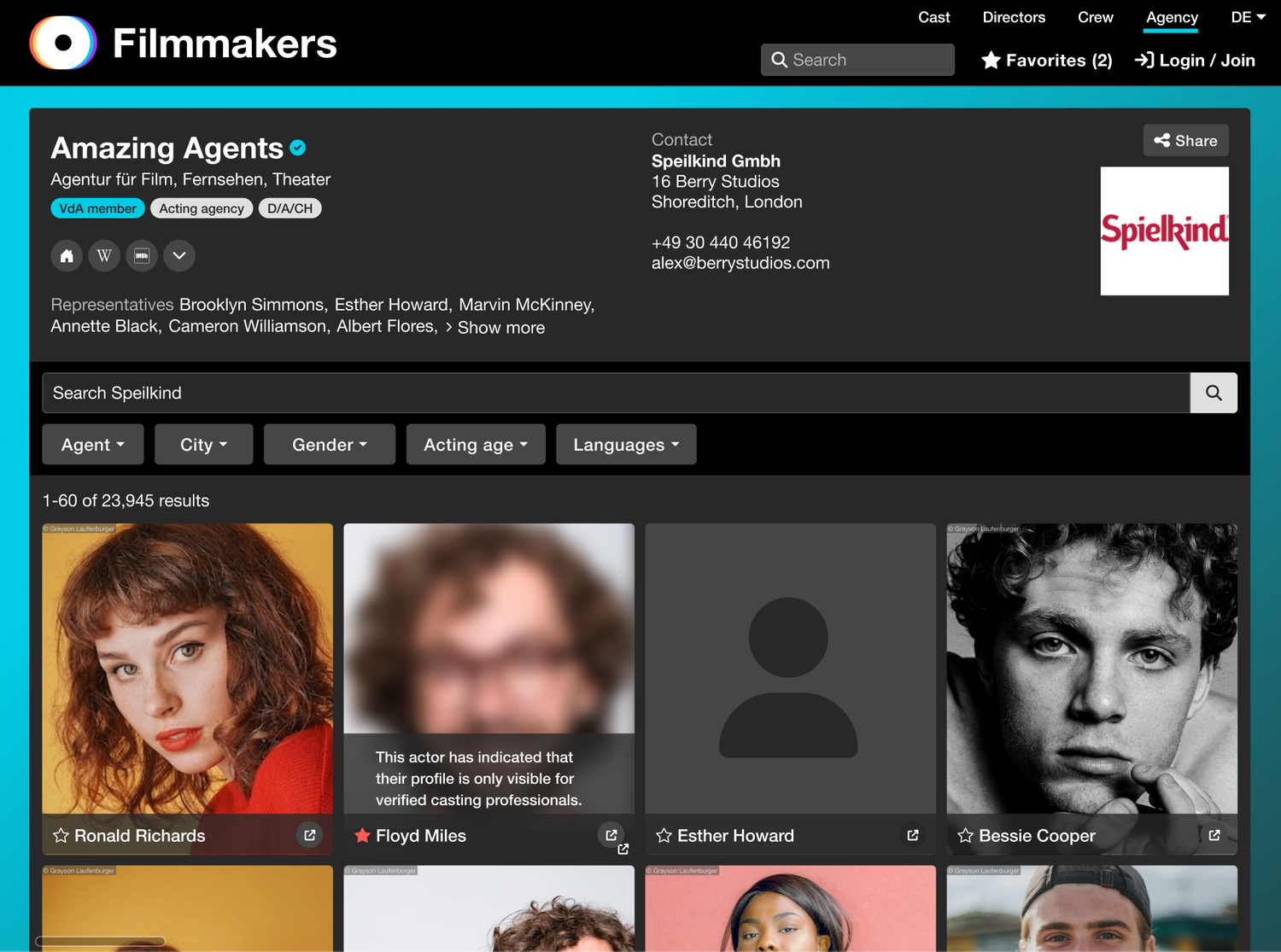
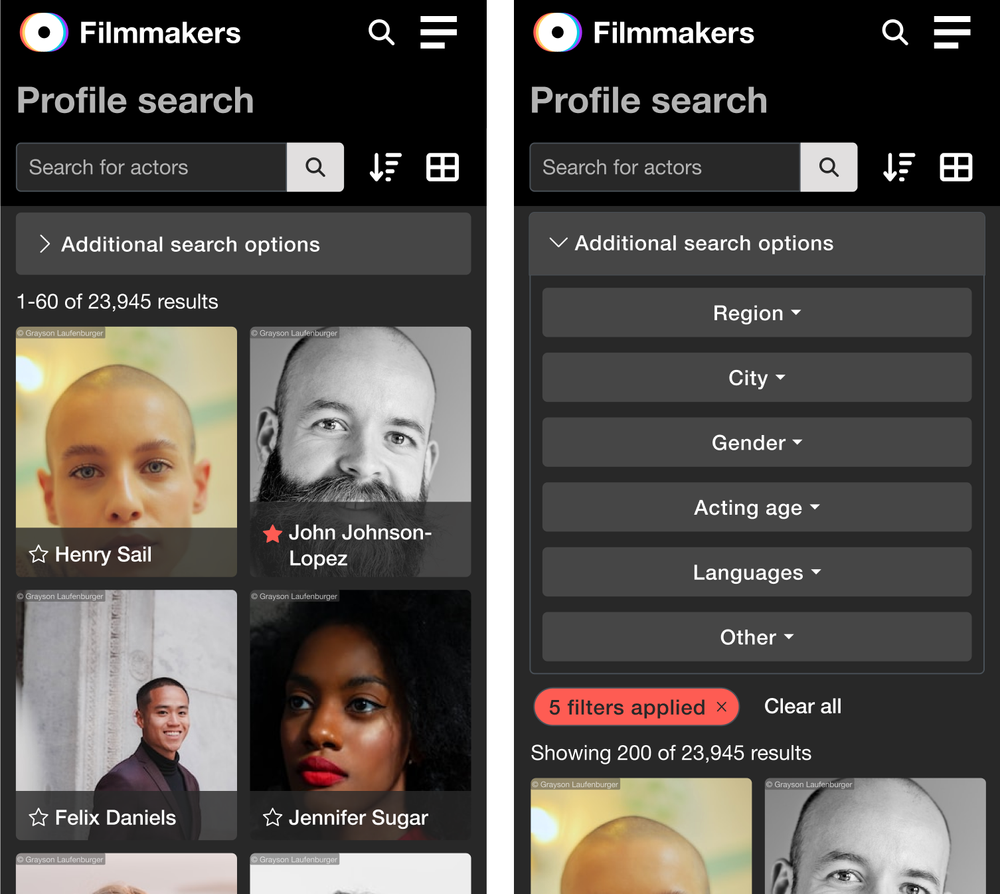
Redesign a dated, non-responsive search tool used by casting professionals to find performers across a database of over 70,000 entries.
- Simplify complex search behaviours built up over years of organic growth
- Improve speed, accuracy, and accessibility for casting professionals under time pressure
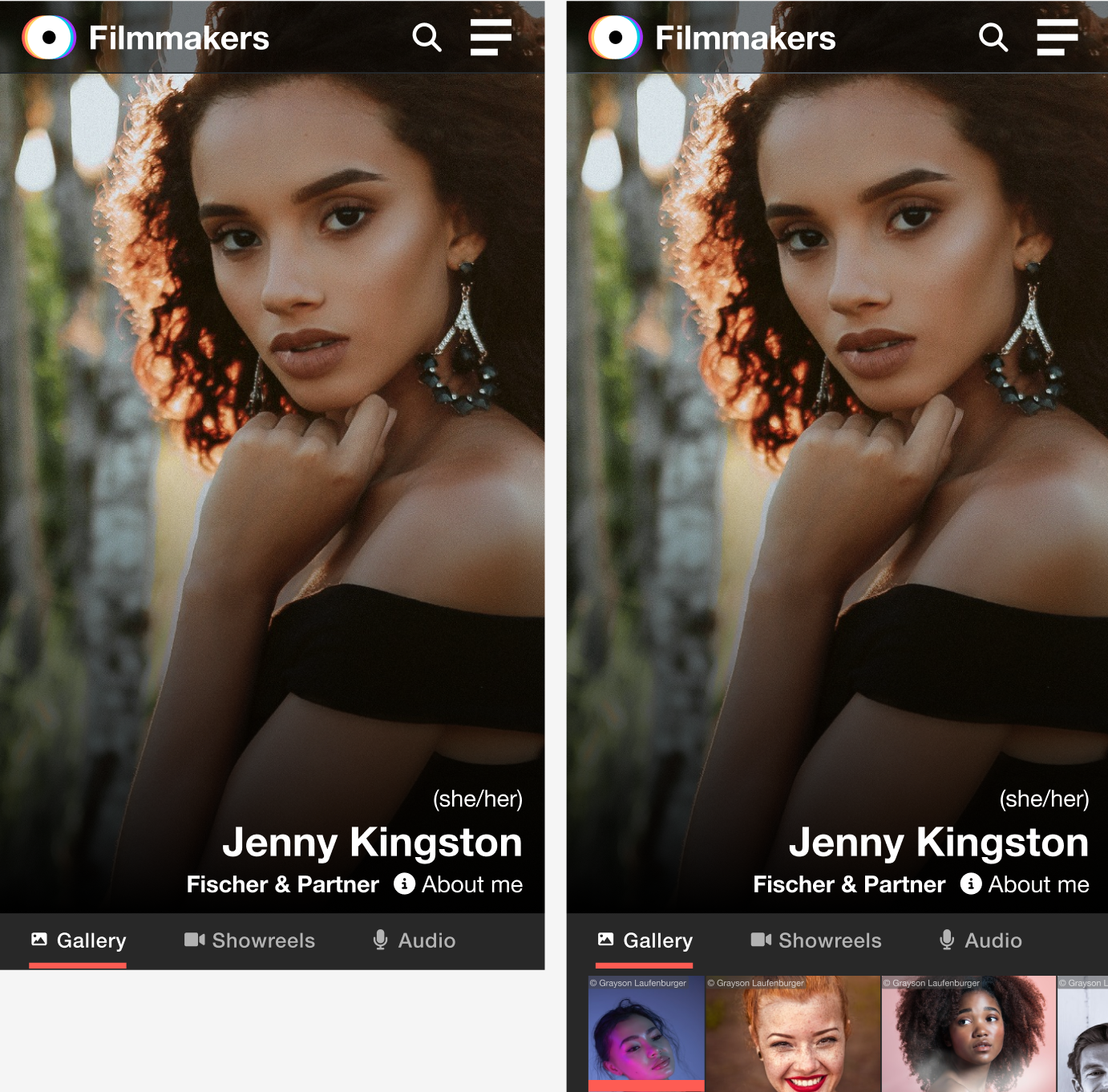
- Create a consistent experience across desktop and mobile platforms
Research
Phase 1 involved in-depth user interviews and card sorting workshops to understand how we could organise the complex, outdated search options within the legacy platform. This internal workshop helped organise and streamline information.
Phase 2 I then considered these outcomes alongside review of data analytics and user interviews.
New information architecture following card sorting workshops, and data analytics.
Hair colour · Hair length
Eye colour
Search and filter need to be used both together or independently.
Casting professionals often search for a specific name and want to access that person quickly without returning all results.
The top five filters appeared in 80% of all sessions.
Users often needed repeated access to niche filters beyond the top set.
Certain filters needed bespoke UI components that met complex user needs.
Competitor Analysis
With this information I researched both our competitors' search tools and search best practices on leading platforms, such as Amazon and LinkedIn, with a focus on mobile-first solutions.
Leading e-commerce and booking platforms — analysed for filter structure, progressive disclosure, and component flexibility.
Direct competitors reviewed for talent search UX, filtering patterns, and profile card conventions.
A filter drawer emerged as the best-practice UI component for a mobile-friendly filter system — allowing full filter access without leaving the results view.
Would our users prefer pagination or lazy loading for results — and does the answer differ between desktop and mobile contexts?
How do we allow casting professionals to see a quick view for known actors — without losing their place in the results list?
How do we incorporate search, filters, and actions into intuitive UI components that work seamlessly across both desktop and mobile?
From the research we defined three principal user journeys that the search and filter page would need to cater for. These shaped every design decision — from the initial lo-fi sketches through to the finished UI components.
Using a lo-fi prototype we sketched out a number of flows with basic filter designs to ensure the end-to-end journey worked for all three scenarios before committing to visual design.
With an initial flow tested internally, we built out the core UI components using the new brand. These were considered as a system — elements designed to work cohesively across different areas of the site. Some were brand new; others were adapted as we introduced new scenarios and edge cases.
We took the prototype to test with leading casting professionals to validate our design decisions — asking them to complete the A B C user journeys in sequence.
New UI elements were easily navigable — participants moved through the interface confidently with minimal guidance.
There was a need for a quick view that felt more immediate — users expected faster access to performer detail without leaving the results page.
Casting professionals wanted better media visibility within the main results page — showreels and headshots needed more prominence at the list level.
The actions panel for adding an actor to a shortlist was new but learnt easily. Better visibility was needed to confirm actions had been completed.
The designs were refined following these insights and we completed multiple rounds of testing, tweaking components each time. The aim was to surface as many areas needing refinement as possible ahead of dev work — since this new filter system was to be launched as part of a new branded platform.
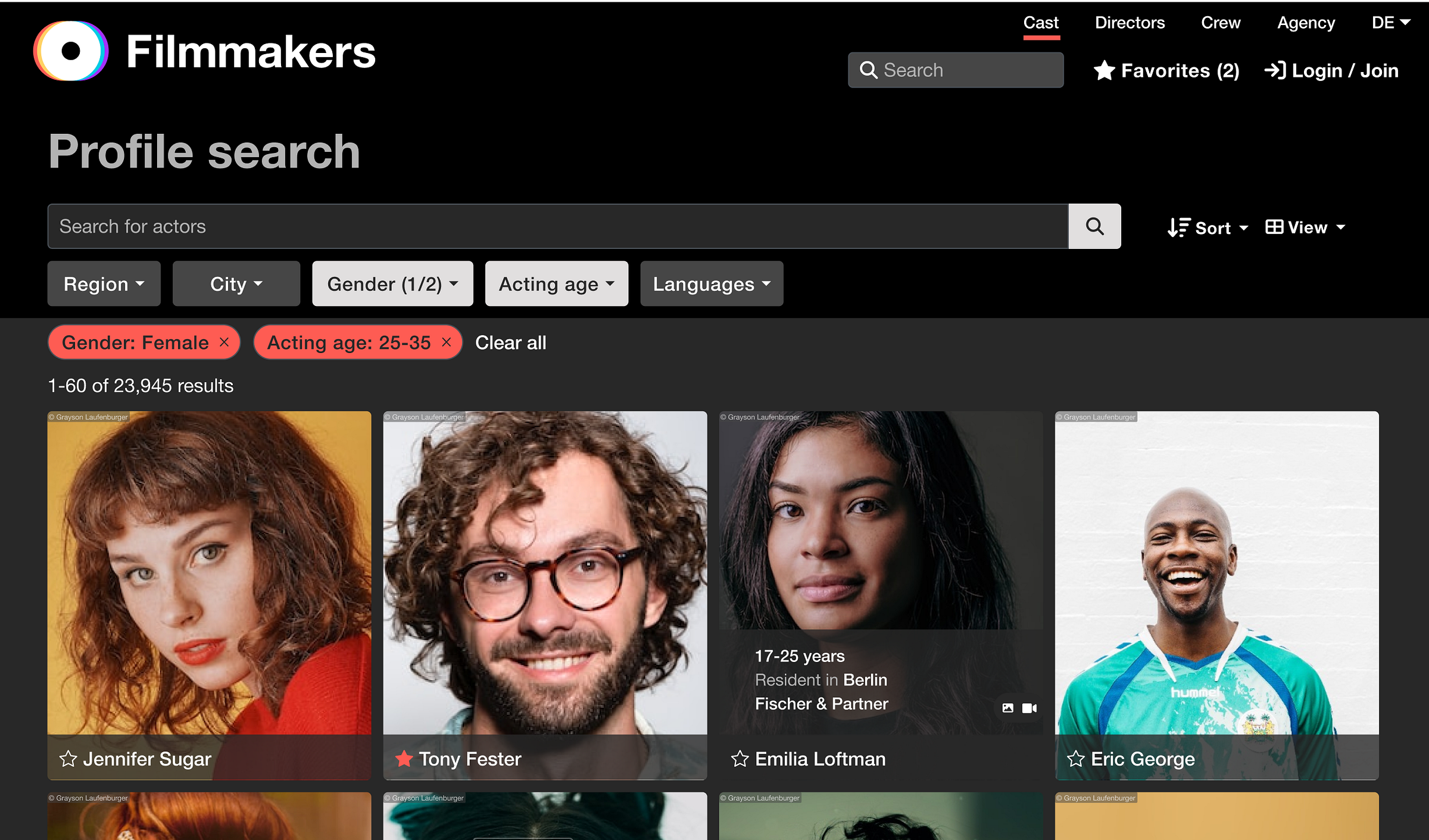
A dropdown on the search bar that previews an actor's headshot, name and location — allowing casting professionals to navigate directly to a profile without needing to return a full results page.
Media icons on actor cards indicating whether a performer had showreels or audio available — surfacing key content at the results level without requiring a click-through.
Toast notifications to confirm that an action had been completed — giving casting professionals clear, non-intrusive feedback when adding performers to a shortlist or triggering other key actions.
The final piece of the design work was a close collaboration with the engineering team to ensure the filter and search system behaved exactly as users needed. This wasn't just a handoff — it required detailed specifications and ongoing dialogue to translate design intent into technical architecture.
Search Architecture Decisions
Three core principles shaped how we specified the search and filter system to the development team, each grounded in pain points surfaced during user research.
Leveraged Elasticsearch to power fuzzy matching and relevance ranking, ensuring performers with partial name matches or alternative spellings still surfaced — reducing zero-result frustration.
Results updated without page reloads as filters were applied or changed, eliminating "dead ends" — a major source of user drop-off identified in the original audit.
Delivered detailed documentation covering filter hierarchy, interaction states, edge cases, and logic rules so the team could build with confidence and without design ambiguity.
Rather than a single large launch, we structured the rollout as a series of intentional, insight-generating releases. Each wave was designed to reduce risk while collecting real user data to inform the next iteration.
Rollout in Four Waves
Post-launch feedback validated the phased approach. The majority of critical feedback pointed to planned future iterations rather than fundamental design problems — a signal that the core experience had landed well.
Much of the negative feedback referenced functionality already on the product roadmap or reflected personal aesthetic preferences — not core usability failures.
The staged rollout gave us confidence in the direction. Real user input — not assumptions — shaped both the filter set and the quick-view card content before full release.